Create a QR Menu Exactly the Way You Want

Discover the platform that gives you the freedom to create, design, manage and grow your restaurant's digital menu — just the way you like.

Get Started

Start for free. No credit card required.

The Freedom to Build the Menu of Your Dreams

Set up a digital menu made for your restaurant and design it any way you like. Showcase your dishes, update prices in seconds, take reservations and collect guest reviews. With Menu1 you can do all of this and much more, freely.

Get Started

Build Your Restaurant's Digital Presence

Follow these steps to create a digital menu your guests will remember:

  1. Fully customize your menu

    Pick a ready-made theme and tailor colors, fonts and images to your brand.

  2. Add advanced features

    Add reservations, feedback, multiple languages and POS integrations as your business grows.

  3. Perfect the mobile experience

    Your menu opens fast on every phone; guests browse without downloading an app.

  4. Stand out in search engines

    Help guests find your restaurant on Google with a custom domain and SEO settings.

Start Now

Professionally Designed Menu Themes

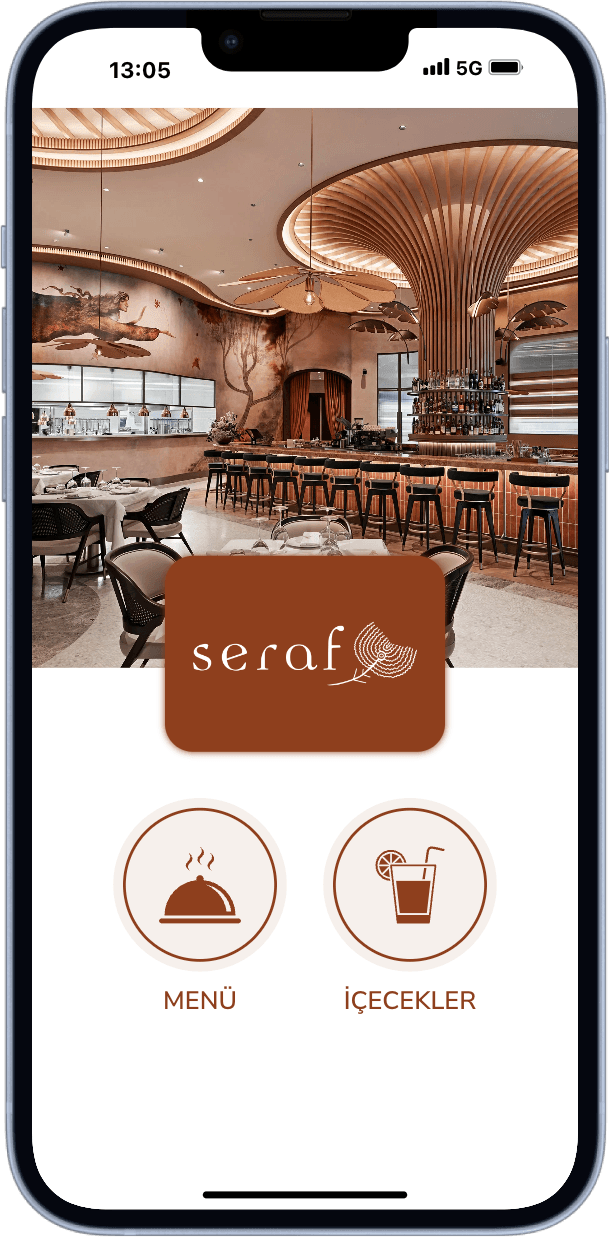
Choose from mobile menu themes that match your venue's character, customize them for your brand and go live in minutes.

Explore All Features

Menu1 Dashboard
Total Design Freedom

Start with a ready-made theme or build your menu from scratch. Drag and drop to reorder categories and products, and edit images, prices, descriptions and allergen info from a single screen. Delight guests with campaign pop-ups and featured products. Every change goes live instantly.

Get Started

Menu1 AI
Your Menu, Ready in Seconds

Paste your product list and let AI automatically separate and import your products, prices, descriptions and categories. Then translate your menu into dozens of languages with one click and serve international guests in their own language.

Get Started

Menu1 Integrations
Works With Your POS

Sync your products and prices automatically with Simpra and Akinsoft POS integrations. Every change you make at the register is reflected in your QR menu — no double work, no wrong prices.

Get Started

Professional Features for Your Restaurant

Build your digital menu and manage every tool you need to grow your business from one dashboard.

October 2026
MoTuWeThFrSaSu282930123456789101112131415161718192021222324252627282930311

4 Guests · 8:00 PM

Saturday, October 24

Confirmed

Online Reservations

Let guests book a table right from your menu, and manage bookings effortlessly with SMS notifications and QR check-in.

Menu language

  • TRTürkçe
  • ENEnglish
  • DEDeutsch
  • RUРусский
₺ · € · $ · £

Multiple Languages & Currencies

Publish your menu in dozens of languages with AI-powered translation, and let international guests see prices in their own currency.

“Amazing service, and the desserts are legendary!”

Table 7 · 2 min ago

Guest Feedback

Collect guest reviews and ratings directly through your menu and keep improving your service.

Branded QR Codes

Design QR codes with your logo and colors, and place them on your tables, storefront and printed materials.

Custom Domain

Publish your menu securely on your own domain and look more professional and memorable.

This week

8,420+18%

menu views

Analytics & Reports

Track how often your menu is viewed, which products get the most attention and your busiest hours to make data-driven decisions.

Manage, Promote and Grow Your Business Online

Build your digital menu with Menu1 and run your restaurant from one dashboard with built-in business tools. Elevate the guest experience with online reservations, guest feedback and multilingual menus. Track your menu's performance with analytics reports and make data-driven decisions to grow.

Get Started

How to Create a Free QR Menu

Follow these 6 simple steps to create a QR menu today.

  1. Create a free Menu1 account. Enter your venue's name and type.
  2. Add your menu. Enter products one by one or paste your product list and import it with AI in seconds.
  3. Choose a theme and customize it. Add your logo, colors and product photos.
  4. Set up languages and currencies, and turn on features like reservations and feedback.
  5. Print your QR codes. Place them on your tables, storefront and takeaway materials.
  6. Publish your menu and grow. Update prices instantly and track performance with reports.

More than 200 businesses have digitized their menus with Menu1

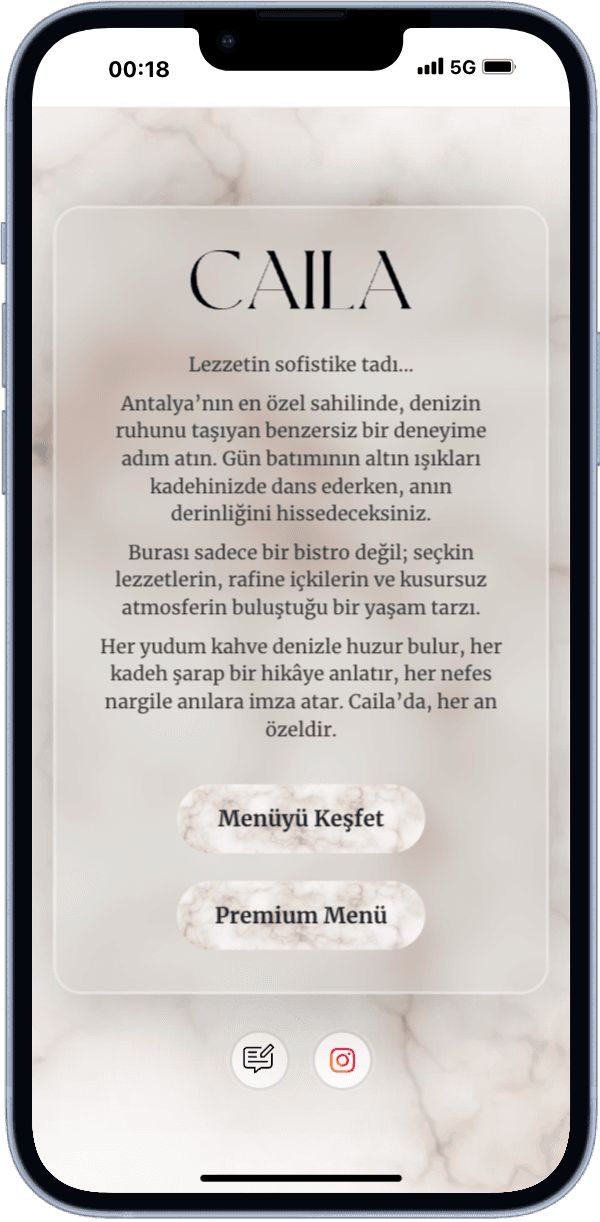
See Our References
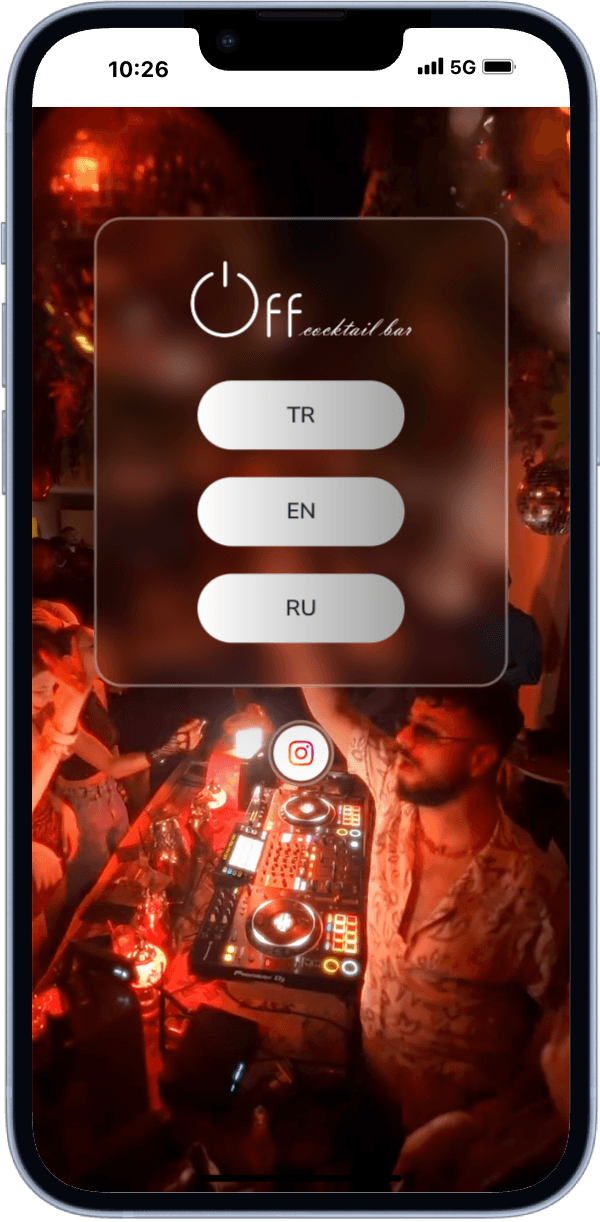
Off Cocktail Bar
Cheeseart
Adem'le Ocakbaşı
Eighteleven
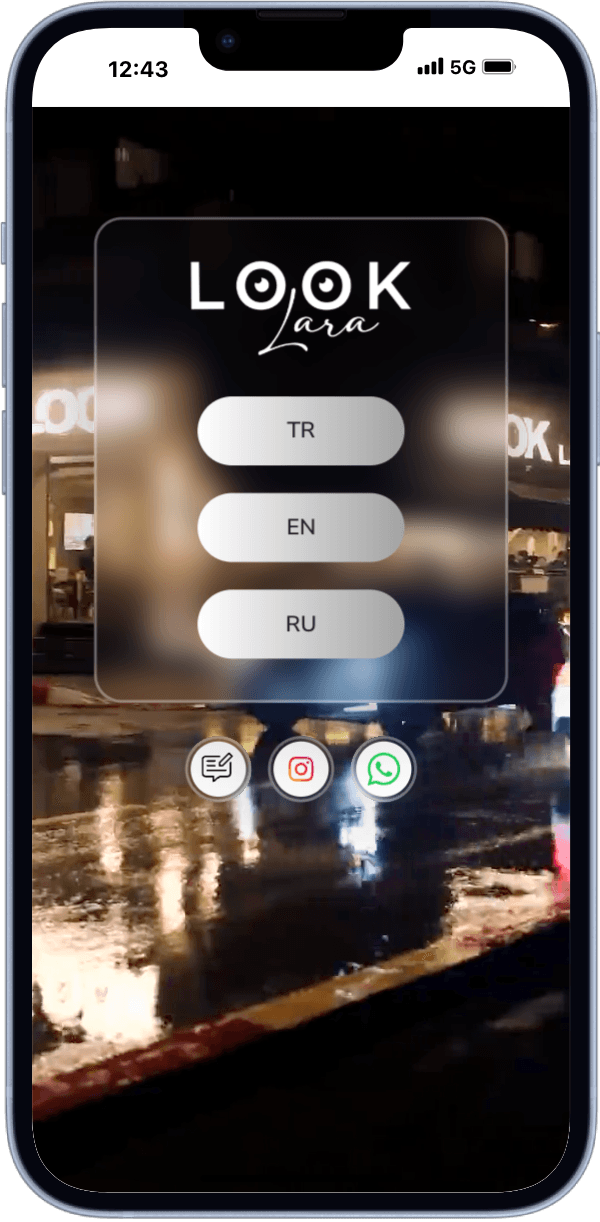
Look Lara
Vero Morso
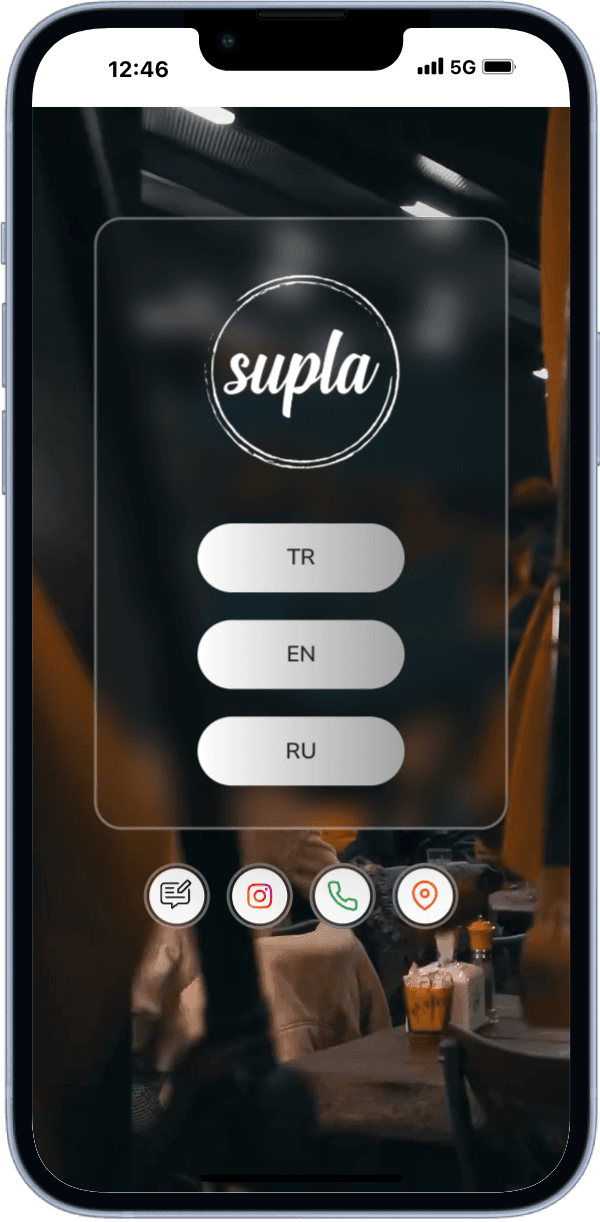
Supla
SER Ocakbaşı
Pera Burger
CADDE Meze & Kebab
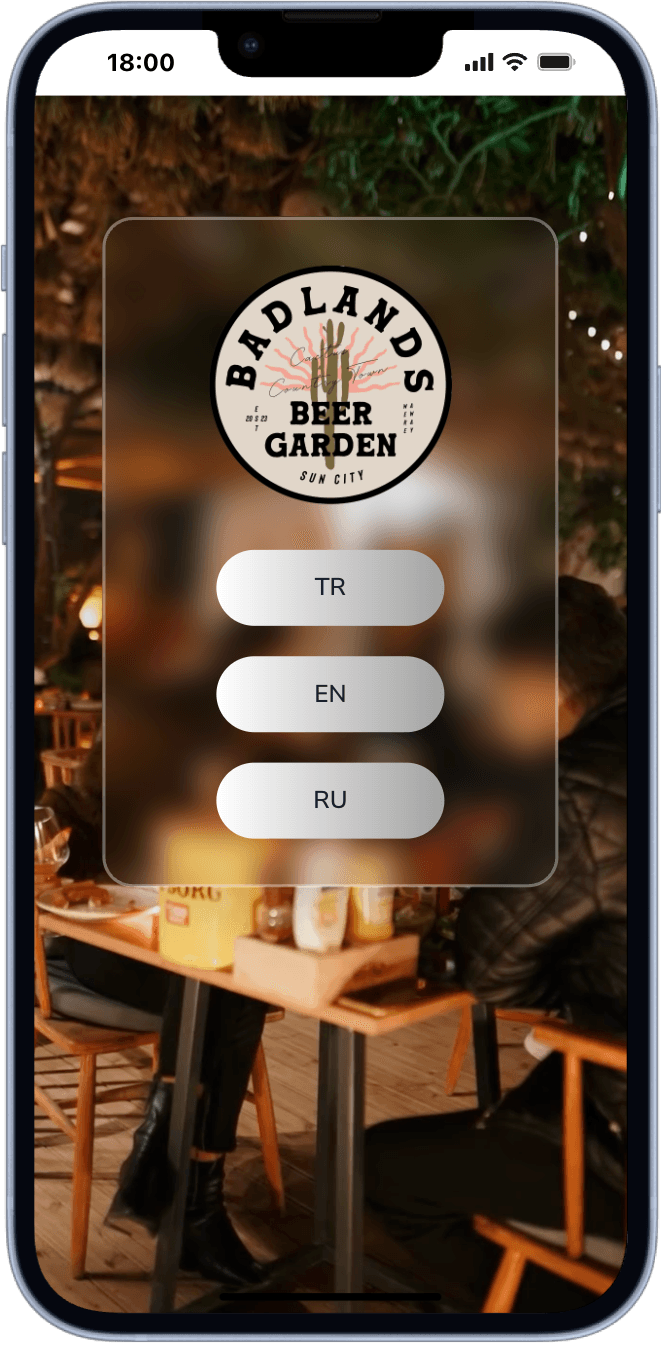
BADLANDS BEER GARDEN
Caila
Off Cocktail Bar
Cheeseart
Adem'le Ocakbaşı
Eighteleven
Look Lara
Vero Morso
Supla
SER Ocakbaşı
Pera Burger
CADDE Meze & Kebab
BADLANDS BEER GARDEN
Caila
“We now update prices across every table in minutes. Waiting for reprints is completely gone.”
Mert A.Restaurant owner · Istanbul
“International guests view the menu in their own language. Our team spends far less time explaining items.”
Selin K.Boutique hotel manager · Antalya
“Managing all branch menus in one place gave us both speed and brand consistency.”
Emre T.Cafe chain operations manager · Izmir

Choose the plan that fits your business

Start with no hidden costs and upgrade easily as you grow.

Annual

Pay once, relax for a year

TRY 6,999/ year
%20 Discount
  • Menu visibility, availability
  • Multiple menu designs
  • Unlimited language support
  • Multiple currencies
  • Social media icons
  • Customer feedback module
  • Allergen, nutrition, calorie indicator

Try it free for 14 days. No credit card required, cancel anytime.

Why Is Menu1 the Best Choice for Your Restaurant?

Most of your guests now look at the menu on their phones. A digital menu that loads fast, stays up to date and reads in their own language is the most important part of the first impression — and of the order.

With ready-made themes, AI-powered menu import and translation, a custom domain and powerful SEO settings, Menu1 gives you a professional QR menu in minutes. You update prices in seconds without any printing costs.

With online reservations, guest feedback, POS integrations and detailed reports, Menu1 goes far beyond a QR menu — it's a complete digital restaurant platform.

From single-location cafés to multi-location restaurant chains, hundreds of businesses manage their menus with Menu1. Now it's your turn.

Frequently Asked Questions

  1. 1.

    How long does it take to create a QR menu?

    After creating your account, add your products and brand settings to publish your QR menu in a short time.

  2. 2.

    Can I change prices and products later?

    Yes. Price, description, image and availability changes appear in your existing menu without requiring a new QR code.

  3. 3.

    Can I publish my menu in multiple languages?

    Yes. Menu1 lets you prepare menu content in different languages and serve international guests in their own language.

  4. 4.

    Do customers need to install an app?

    No. Guests scan the QR code with their phone camera and open the menu directly in their browser.

  5. 5.

    Can I manage multiple branches?

    Yes. Manage branches and their menus centrally while providing branch-specific content when needed.

  6. 6.

    Can I use my own domain and brand design?

    Yes. Supported configurations allow a custom domain plus brand colors, logo, typography and imagery.

Have another question? Contact us

This is what ready feels like.

Digitize your menu today and welcome guests at every table with a menu that's always up to date, in every language.

Publish your QR menu today
Get Started
Contact via WhatsApp